
Amplitude
- Go to app.tryhelium.com/integrations. Click Amplitude
- Give your integration a name. Enter your API key (you can find it under Settings > Projects > [Your Project Name] and grab an API key from there)
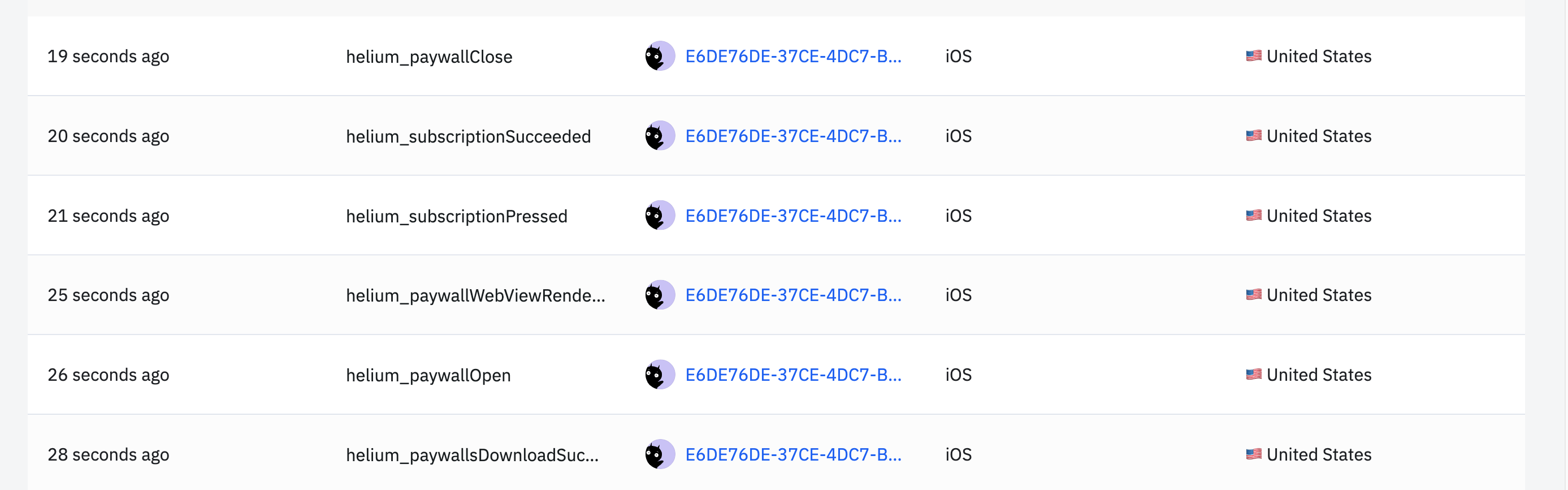
helium_
Viewing Experimental Properties
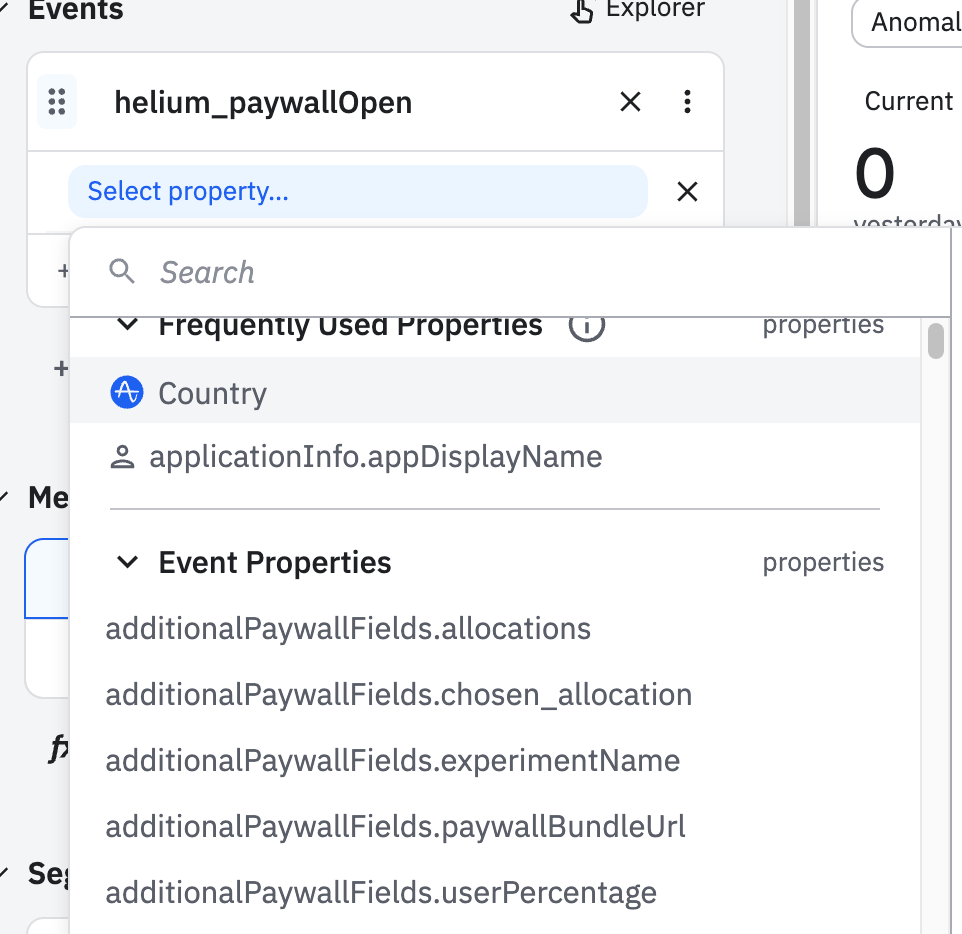
Besides a boatload of other event properties, if a Helium paywall was seen as part of an experiment, it will come with a number of experimentation-focused properties that may be useful for analysis in Amplitude. Helium experiments work by separating out paywalls into allocations. These are numbers that sum to 100, and represent the percentage of users who will see each paywall. For example, in an A/B test between 2 paywalls with 90% of people in control and 10% in test, then the allocations will be [90, 10]. To determine which group a user falls into, we hash a uniformly random id associated with the user, and use that to randomly place them into one of the two groups. For example:- Let’s say the allocations are [90, 10] as above (90% control paywall, 10% test)
- Helium will assign my user a random userPercentage between 1 and 100 inclusive
- If this value is between [1, 90] inclusive, then the user will be placed in the control group. If the user percentage is in [91, 100], then the user will fall in the test group
additionalPaywallFields:
We’ll avoid deprecating these properties, but we might continue to evolve Helium’s logging to provide cleaner groups of event names in the future. Reach out to us if you have any specific requirements in your experimentation monitoring!
Experimental Properties Reference
As of SDK v3.0+, experiment data is sent in a structured
experimentInfo object. See the 3rd Party Analytics Integration Guide for complete field reference.experimentInfo object contains:
experimentId,experimentName,experimentType- Experiment metadatachosenVariantDetails- Which variant the user sawhashDetails- User bucketing informationaudienceId,audienceData- Targeting criteriaallocationMetadata- Custom metadata from dashboard
For Mixpanel, PostHog, Statsig, and current Amplitude setup, see Connect analytics and MMPs.