> ## Documentation Index
> Fetch the complete documentation index at: https://docs.tryhelium.com/llms.txt
> Use this file to discover all available pages before exploring further.
# App2Web Paywall Previews
> Test the full app-to-web checkout flow — simulated or real purchases — before your paywall is live.
iOS only. See the [minimum SDK versions](/guides/paywall-previews#app2web-previews). On Android, App2Web checkout APIs are safe no-ops.
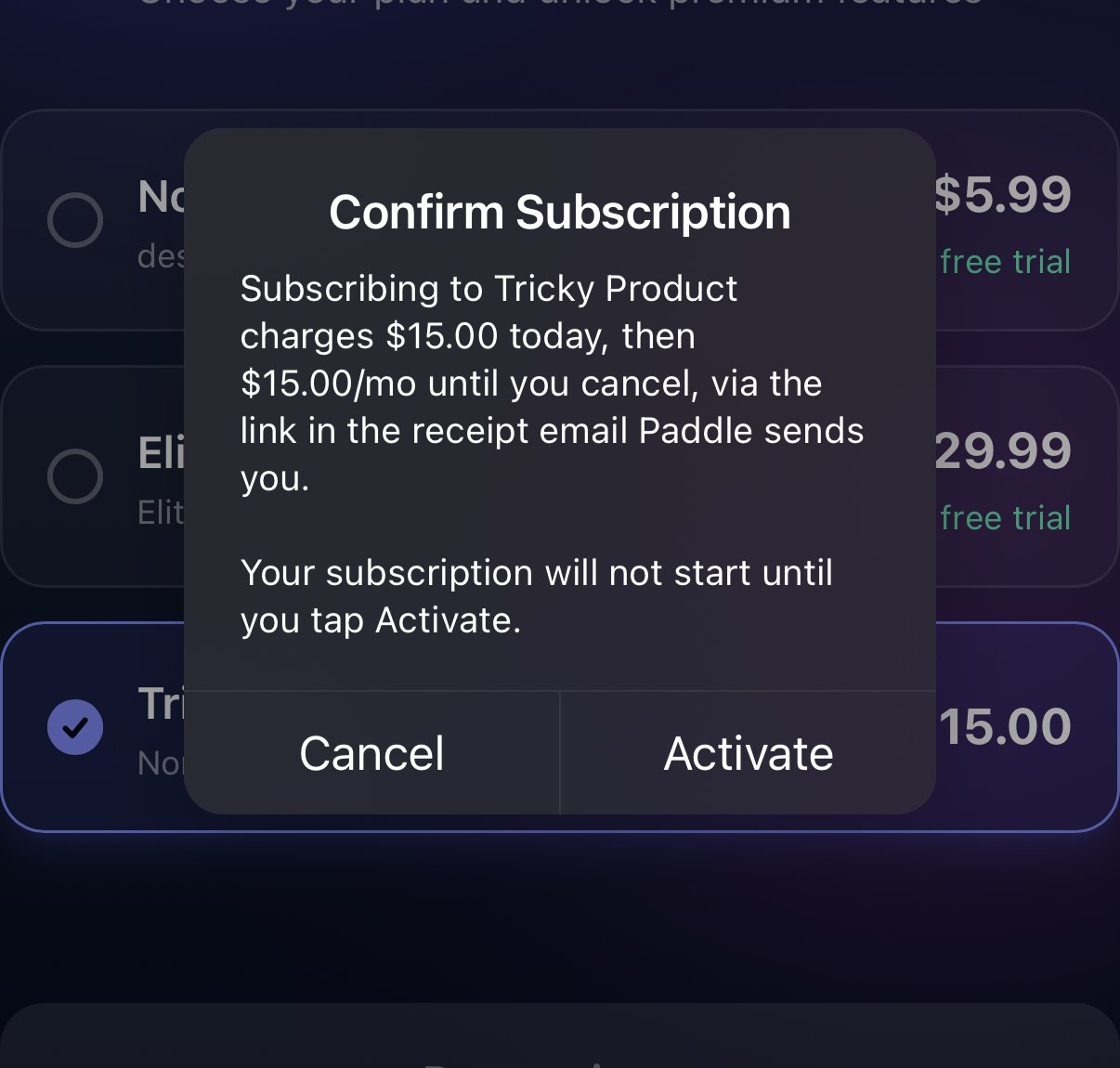
If a paywall uses App2Web, previewing it from [Paywall Previews](/guides/paywall-previews) exercises the full flow: the in-app paywall opens, the purchase action kicks out to the hosted web checkout, and you can complete a simulated or real purchase — all before the paywall is live and without meeting production targeting.
## Simulated and real purchases
Previews support two purchase modes:
* **Simulated purchase** — the checkout looks and behaves like the real flow, but no transaction is created, no revenue events fire, and no entitlement is granted. Useful for checking the experience without spending money, especially where real purchases aren't available.
* **Real purchase** — charges your card, completes checkout, returns to your app, and grants a real entitlement. Useful for verifying webhooks and entitlement delivery.
The mode follows the device's purchase eligibility: a device that is not cleared for real purchases always runs simulated, while an eligible device defaults to a real purchase. You can switch an eligible device to simulated in the preview settings.
## Purchase eligibility
Real purchases follow the same regional rules as production. The device's locale, App Store country, and network location must agree:
* **US, outside California** — real purchases available.
* **US, California** — real purchases available, and the California consent modal is required before a Paddle checkout.
* **Outside the US, or mixed signals** (for example a VPN with a non-US App Store account) — simulated purchases only.
To test the real purchase path from outside the US, all three signals must read US: use a US App Store account, set the device region to the US, and connect through a VPN to a US state.
 ## Preview settings
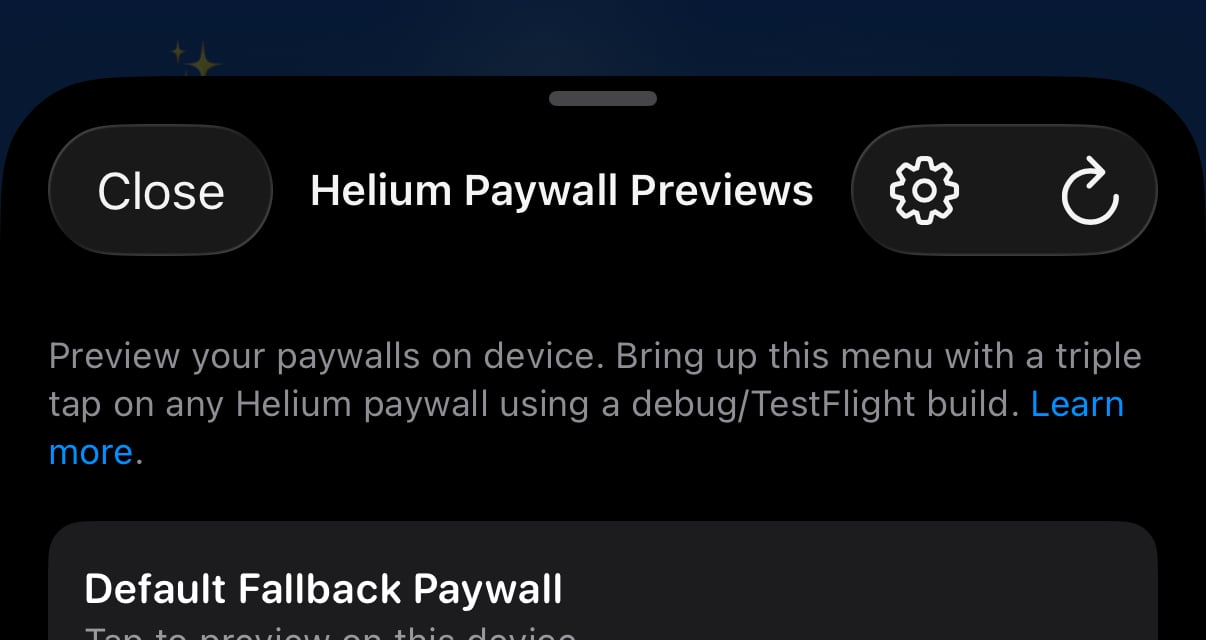
Tap the **gear icon** on the previews list to open the App2Web preview settings:
## Preview settings
Tap the **gear icon** on the previews list to open the App2Web preview settings:
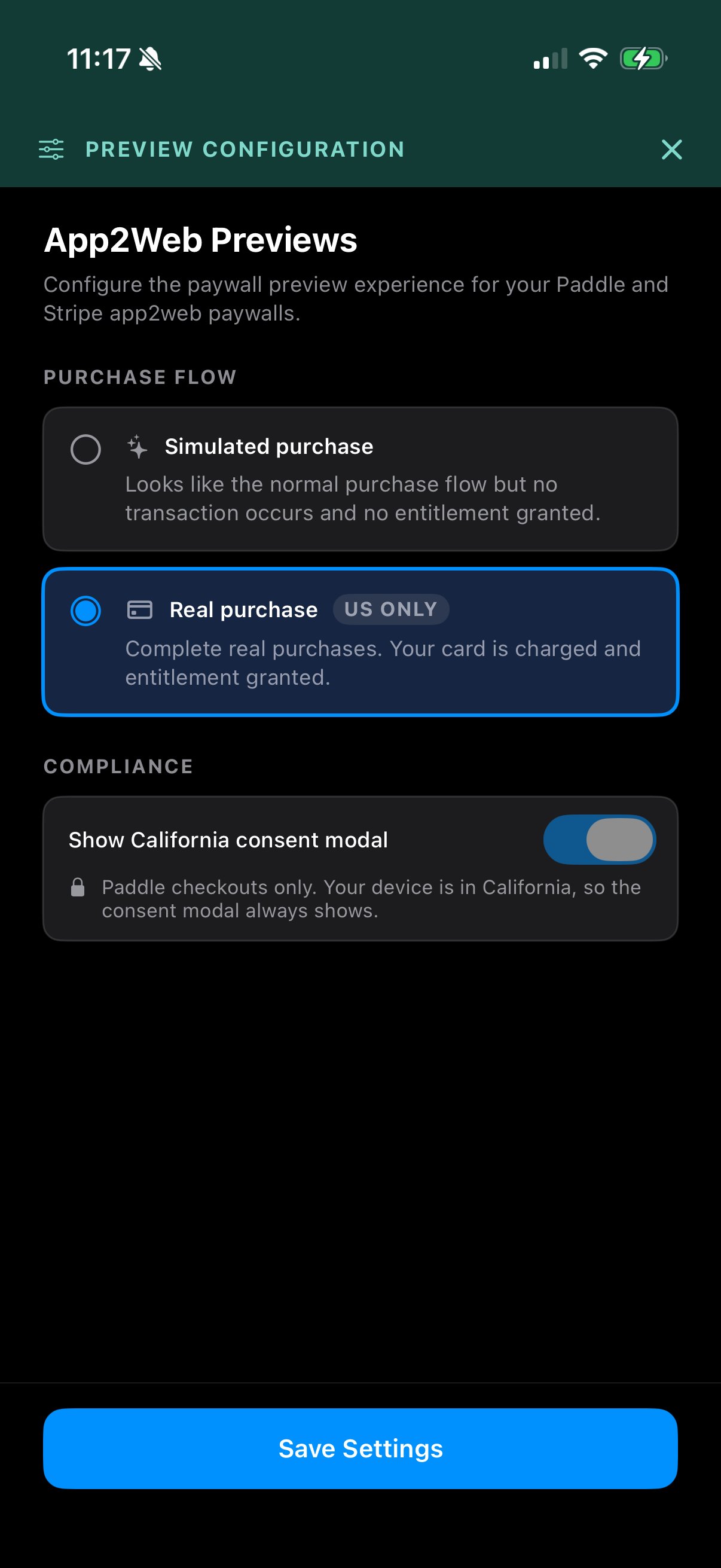 * **Purchase mode** — simulated or real, subject to the device's eligibility.
* **California consent modal** — shown only for paywalls with a Paddle checkout; on eligible California devices the modal is required and the toggle cannot be turned off.
Settings apply to every App2Web preview for the current session and reset when the app restarts.
## How preview events differ from production
Preview events are real Helium events, with test markers that keep them separable from production:
* The trigger is always the dedicated preview trigger (`helium_preview_trigger`), so preview activity never mixes with your real triggers.
* No experiment or allocation info is attached — previews bypass experiments.
* Paywall traits are not applied, so trait-driven content renders with defaults.
* A real purchase done through Paywall Previews carries `helium_testing: true` on the resulting Paddle subscription's `custom_data`.
## What App2Web previews don't cover
Previews bypass audience targeting and do not exercise paywall traits or your post-purchase handlers. Before launch, also open the flow through a real trigger on a physical device — see the [go-live checklist](/guides/app2web-go-live-checklist).
## Web paywalls
Web paywalls can't be previewed directly — they only back an App2Web paywall. Selecting one in the previews list explains this and names the linked in-app paywall when there is one. Run the App2Web preview on that in-app paywall to see the full checkout flow.
## Troubleshooting
* If a paywall was last saved before App2Web preview support, the preview is blocked with a message asking you to re-save it in the dashboard.
* **Purchase mode** — simulated or real, subject to the device's eligibility.
* **California consent modal** — shown only for paywalls with a Paddle checkout; on eligible California devices the modal is required and the toggle cannot be turned off.
Settings apply to every App2Web preview for the current session and reset when the app restarts.
## How preview events differ from production
Preview events are real Helium events, with test markers that keep them separable from production:
* The trigger is always the dedicated preview trigger (`helium_preview_trigger`), so preview activity never mixes with your real triggers.
* No experiment or allocation info is attached — previews bypass experiments.
* Paywall traits are not applied, so trait-driven content renders with defaults.
* A real purchase done through Paywall Previews carries `helium_testing: true` on the resulting Paddle subscription's `custom_data`.
## What App2Web previews don't cover
Previews bypass audience targeting and do not exercise paywall traits or your post-purchase handlers. Before launch, also open the flow through a real trigger on a physical device — see the [go-live checklist](/guides/app2web-go-live-checklist).
## Web paywalls
Web paywalls can't be previewed directly — they only back an App2Web paywall. Selecting one in the previews list explains this and names the linked in-app paywall when there is one. Run the App2Web preview on that in-app paywall to see the full checkout flow.
## Troubleshooting
* If a paywall was last saved before App2Web preview support, the preview is blocked with a message asking you to re-save it in the dashboard.